Hesett hardware
The buttonon every table.
Four lit actions, the table number on its face and a warm underglow. Every press reaches your team and your dashboard in real time.
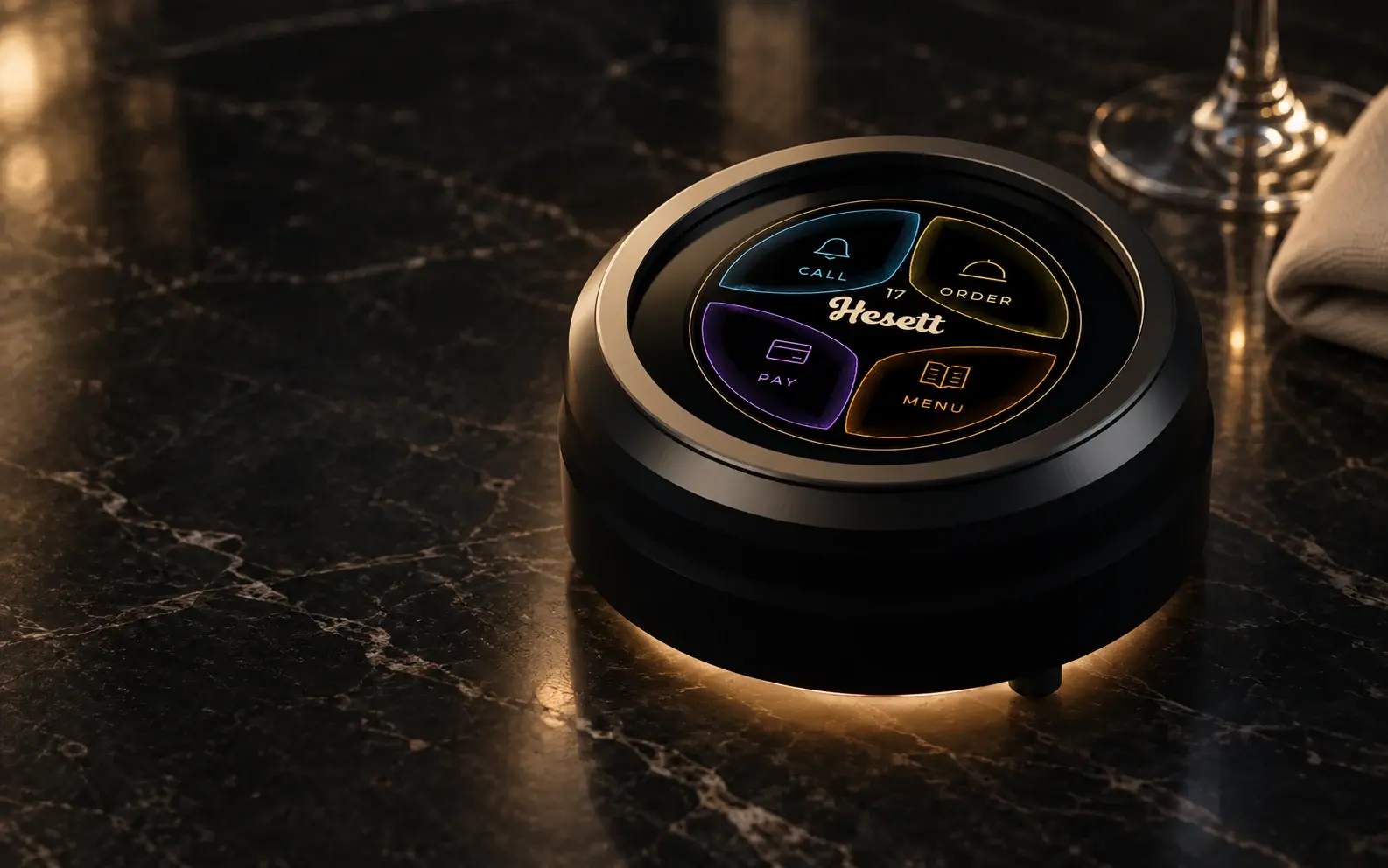
Product render.
Try it
One touch. Everything in motion.
This is the screen your guests see. Touch it, or pick an action, and watch the request reach your team.
A demonstration to explore. No real requests are sent.
Beyond the first request
Make an entrance. Leave a lasting memory.
The screen follows the table through the evening, from the moment it is booked to the review at the end.
- 18:00Reserved
Before anyone arrives, the table shows it is being kept for someone.
- 20:00Welcome
When the party sits down, the screen greets them by name.
- 20:05At their service
Four actions, one touch each. Every request reaches your team and your dashboard.
- 21:40The bill
Guests ask for the bill without looking around for a waiter.
- 21:55The review
As the evening ends, your team can show your Google review QR: a personal invitation to share the experience.
Staff controls stay discreet, away from the guest actions.
The next gesture is your team’s
From the table. To your wrist.
Attention reaches your waiter wherever they are. Time runs until they reach the table.
Concept in developmentAlerts need a compatible watch connected to a phone. Arrival detection is being validated, so no exact distance or compatibility with every watch is promised.
Response time
0:00
A clearer view of your service
Every request. Every response time. Under control.
See which table needs attention, how long your team takes to respond and where service can improve, in the Hesett dashboard.
00:00
- 1Received
- 2In progress
- 3Recorded
The hardware
Made to live on a dining table.
A compact puck with a round screen: four lit actions, the table number, and a confirmation the moment a guest presses. A warm underglow makes it part of the table setting. It connects straight to your WiFi, so there is no receiver and nothing to wire into your walls.
Table number on the screen
Every request arrives already labelled.
Confirms every press
Guests see their request was sent, so nobody presses twice.
Warm underglow
Part of the table setting, not a gadget on it.
Straight to your WiFi
Each button connects on its own. No receiver, no hub.
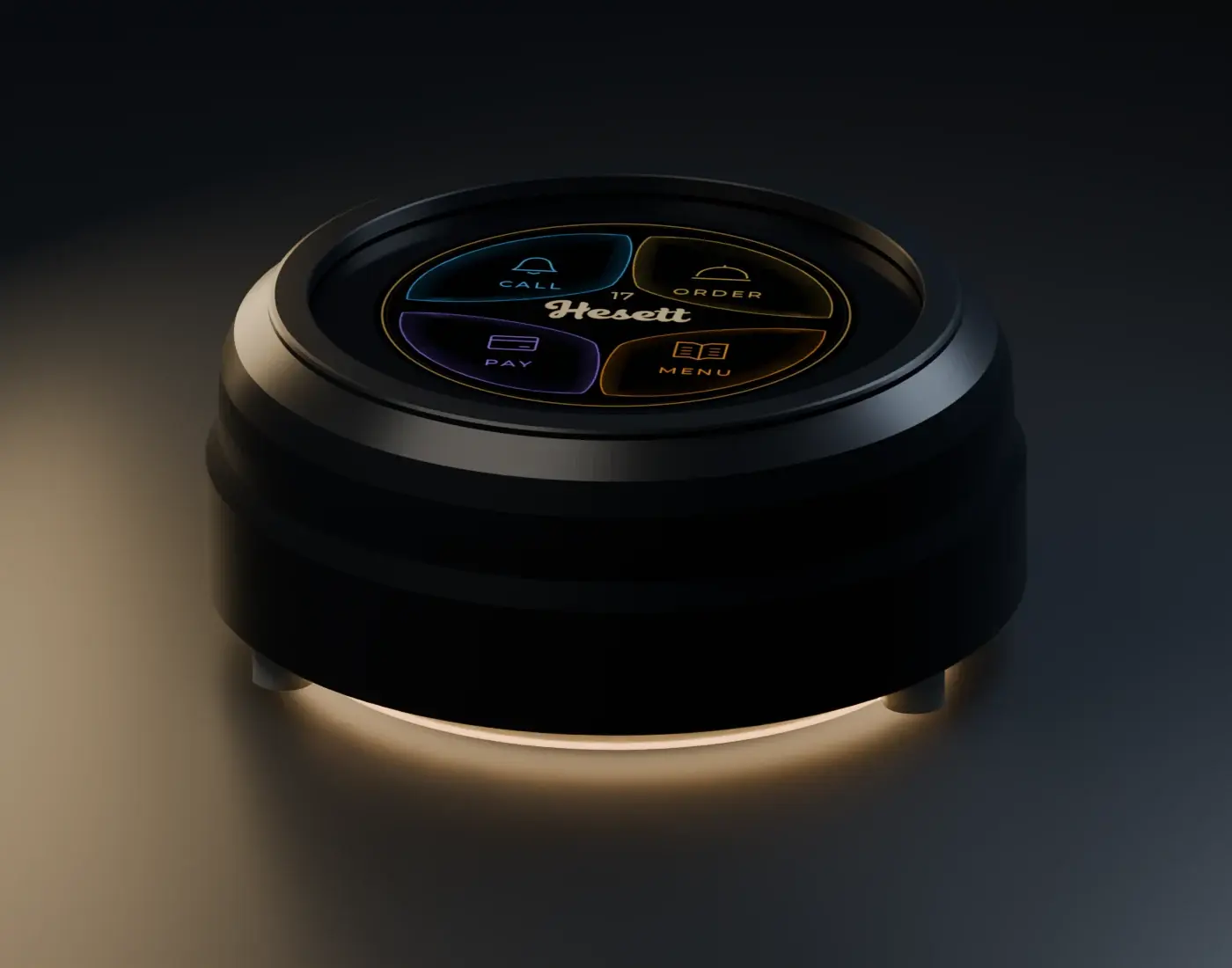
Underglow · Champagne
Colour options depend on the hardware edition. Product renders.
Considered for everyday service
The technology adapts. Your character remains.
Welcome them in their language
Spanish, English and French, with a clear interface for your guests.
Connect from your phone
Set up your restaurant’s WiFi without reinstalling anything.
Complement your atmosphere
Adjust screen brightness, the light beneath and its effects, or turn the light off.
A table without cables
A rechargeable battery for use away from the charger. Runtime depends on use and settings.
Setup
Three steps, no wiring.
- 01
Place a button on each table
Each button carries its table number, so every request arrives already labelled.
- 02
Connect it to your WiFi
Each button connects to your restaurant’s WiFi on its own, set up from your phone. No receiver, nothing to wire into the walls.
- 03
Pair from the dashboard
Open Devices, press the button and assign it to its table. From then on you see its signal and every press.
Twenty minutes
See Hesett on your own floor.
Book a short call. We will map your tables, walk through a night of service and show you exactly what changes.